JS-047
Beginner4 min~4 min read#ternary#conditional#if-else
Ternary Operator
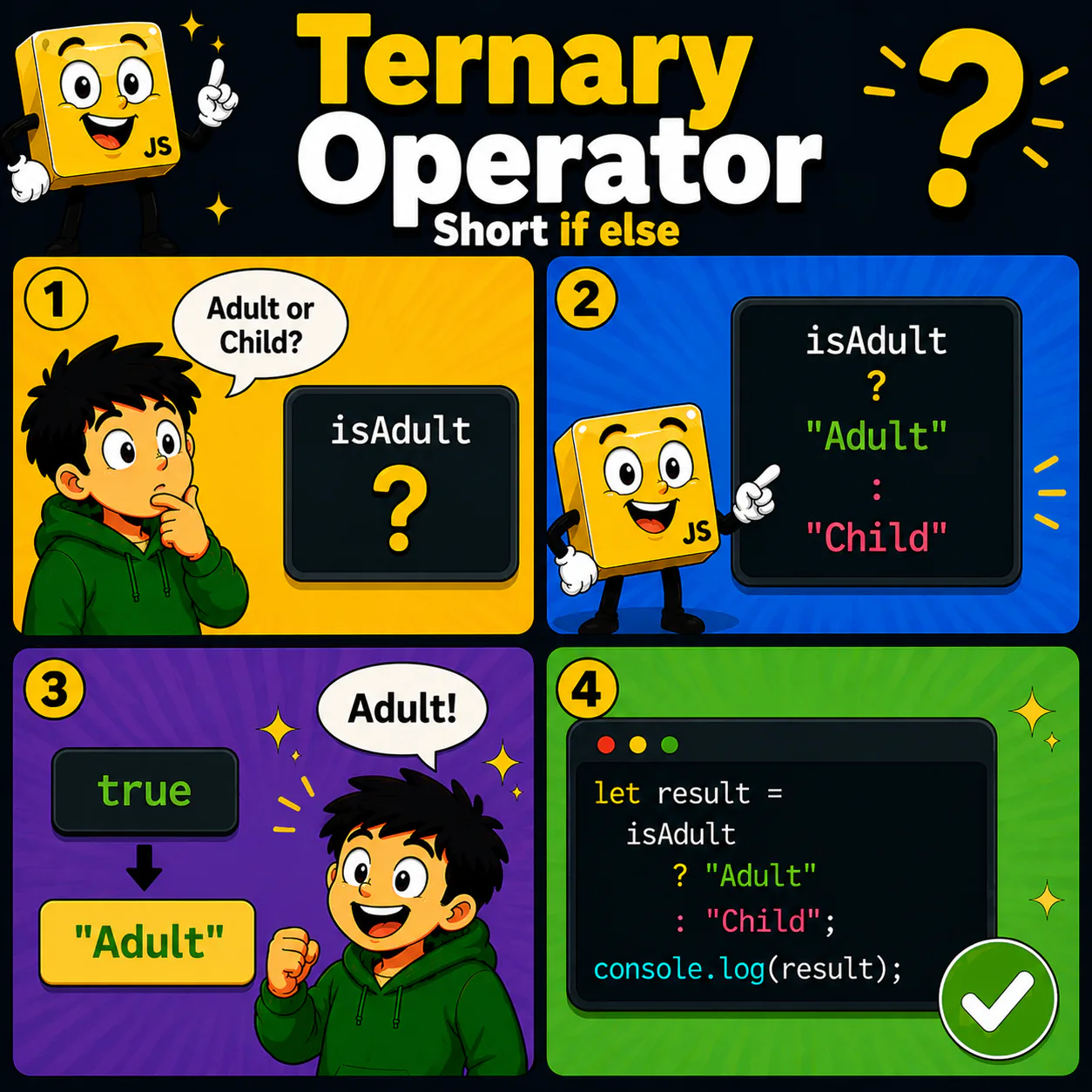
A short form of if...else
Goal
Learn to use the ternary operator as a short form of if...else.
Explanation
- The ternary operator lets you choose one of two values.
- It has three parts: a condition, a value for true, and a value for false.
- Its syntax is: condition ? value1 : value2.
- If the condition is true, the first value is returned.
- If the condition is false, the second value is returned.
Analogy
Imagine a question with two possible answers. If the answer is yes, you get one result; if it is no, you get the other.
Code
let result = isAdult ? "Adult" : "Child";

console.log(result);
Result: Adult
Common mistake
Beginners confuse the order of the parts. The result for true always follows ?, and the result for false follows :.
Remember
- ✦ The ternary operator is a short form of if...else.
- ✦ ? introduces the result for true.
- ✦ : introduces the result for false.
Quick Quiz
What does true ? "Yes" : "No" return?