JS-034
Beginner3 min~3 min read#comparison#greater-than#less-than
Greater / Less
Greater or less?
Goal
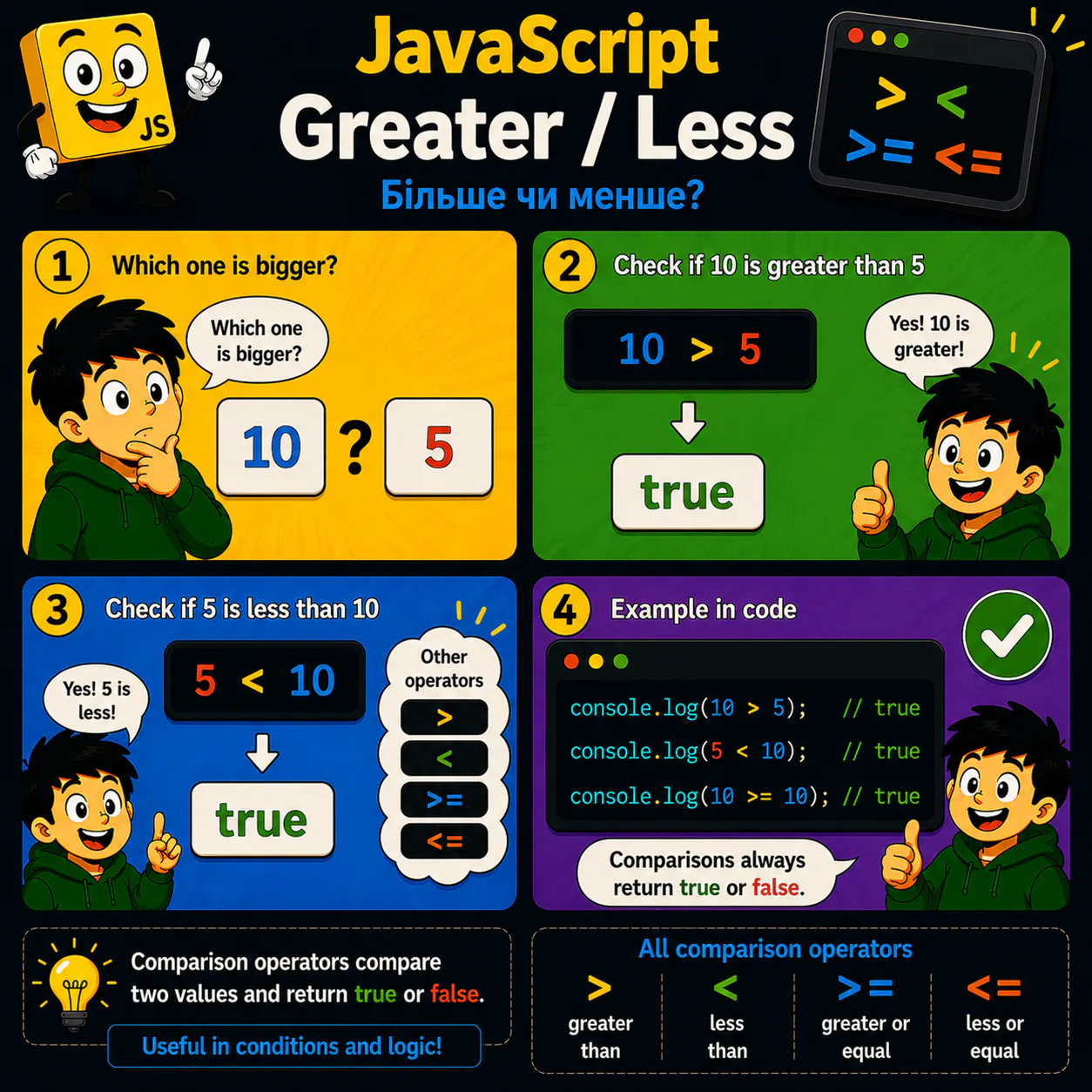
Learn to compare values using >, <, >=, and <=.
Explanation
- JavaScript can check whether one value is greater or less than another.
- The > operator means “greater than.”
- The < operator means “less than.”
- The >= and <= operators also include equality.
- Every comparison returns either true or false.
Analogy
Imagine a balance scale. JavaScript places the values on opposite sides and determines which one is heavier.
Code
console.log(10 > 5);
console.log(5 < 10);
console.log(10 >= 10);
Result: true true true
Common mistake
Beginners sometimes confuse the direction of the > and < symbols. Remember: the wide side faces the greater number.
Remember
- ✦ > means greater than.
- ✦ < means less than.
- ✦ >= means greater than or equal to.
- ✦ <= means less than or equal to.
Quick Quiz
What does the expression 5 > 10 return?