JS-059
Beginner4 min~4 min read#array#indexof#search
indexOf()
Find an element's position
Goal
Learn to find an element's position in an array using indexOf().
Explanation
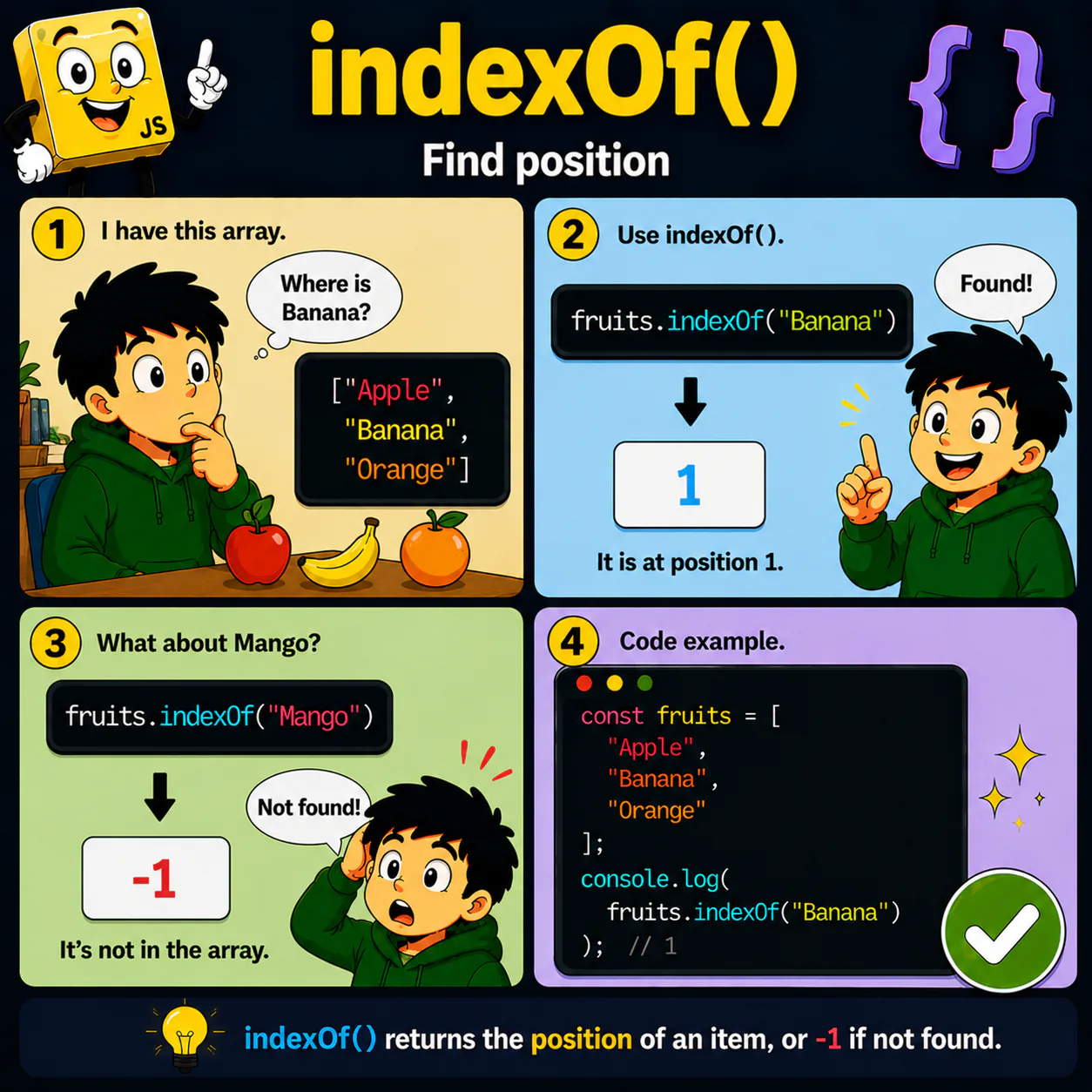
- indexOf() searches for a value in an array.
- If the value is found, its index is returned.
- If the value is not found, -1 is returned.
- The method helps determine an element's position.
- indexOf() is often used together with conditions.
Analogy
You are looking for a book on a shelf and want to know not only whether it is there, but also where it is located.
Code
const fruits = [
  "Apple",
  "Banana",
  "Orange"
];

console.log(fruits.indexOf("Banana"));
console.log(fruits.indexOf("Mango"));
Result: 1 -1
Common mistake
Beginners often think -1 means the last element. In fact, it means the element was not found.
Remember
- ✦ indexOf() returns an element's index.
- ✦ If the element is absent, it returns -1.
- ✦ The first element has index 0.
Quick Quiz
What does ["Apple", "Banana"].indexOf("Banana") return?