JS-053
Beginner4 min~4 min read#array#length#arrays
Array Length
The number of elements
Goal
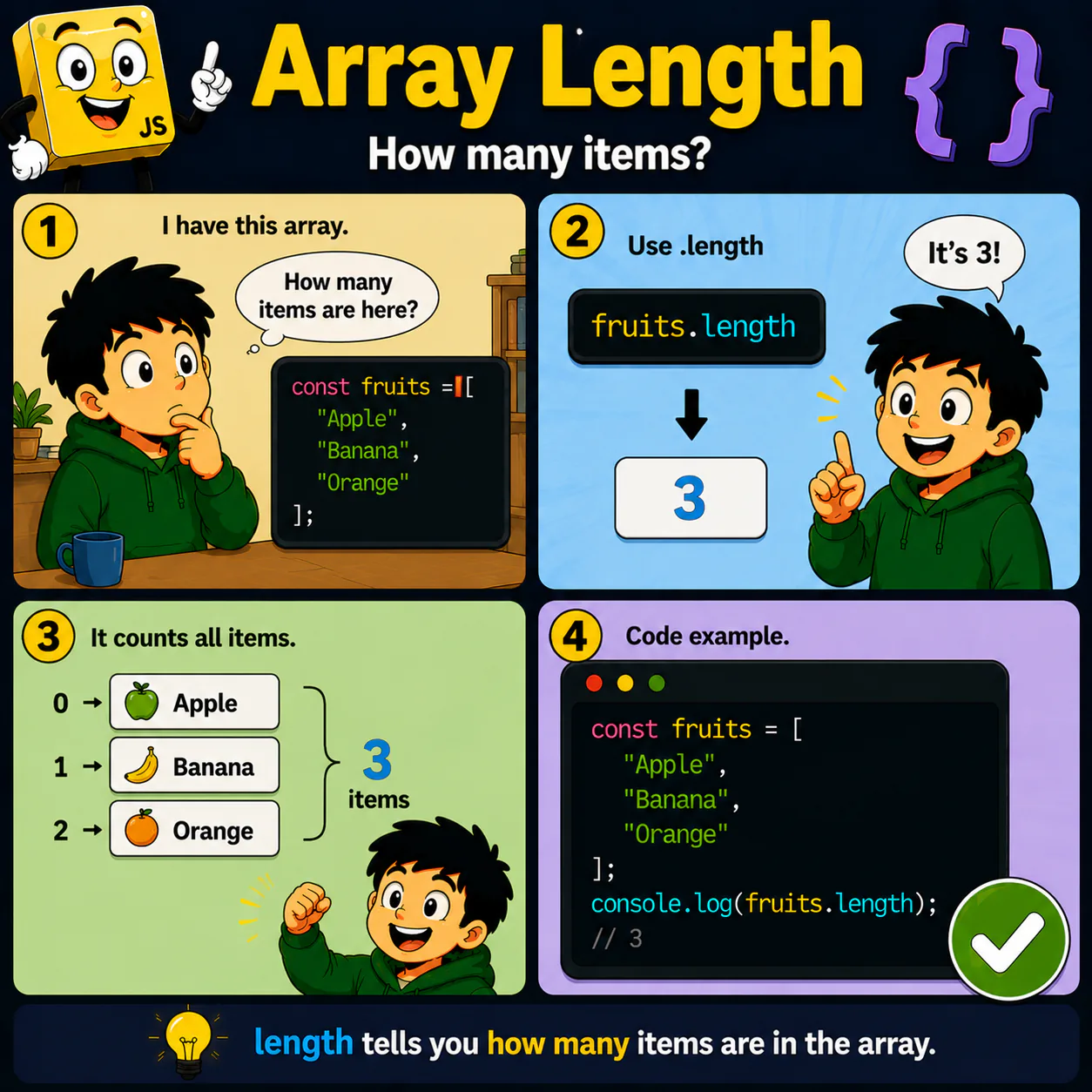
Learn to determine the number of elements in an array using the length property.
Explanation
- Every array has a length property.
- It shows the number of elements in the array.
- length updates automatically when the array changes.
- This property is used very often in loops.
- length lets you quickly find the size of an array.
Analogy
If a box contains apples, you do not need to count them manually every time—length already knows how many there are.
Code
const fruits = [
  "Apple",
  "Banana",
  "Orange"
];

console.log(fruits.length);
Result: 3
Common mistake
Beginners confuse the last index with length. If length is 3, the last index is 2.
Remember
- ✦ length shows the number of elements.
- ✦ length is an array property.
- ✦ length updates automatically.
Quick Quiz
What does ["A", "B", "C"].length return?