JS-054
Beginner4 min~4 min read#array#push#arrays
push()
Add to the end of an array
Goal
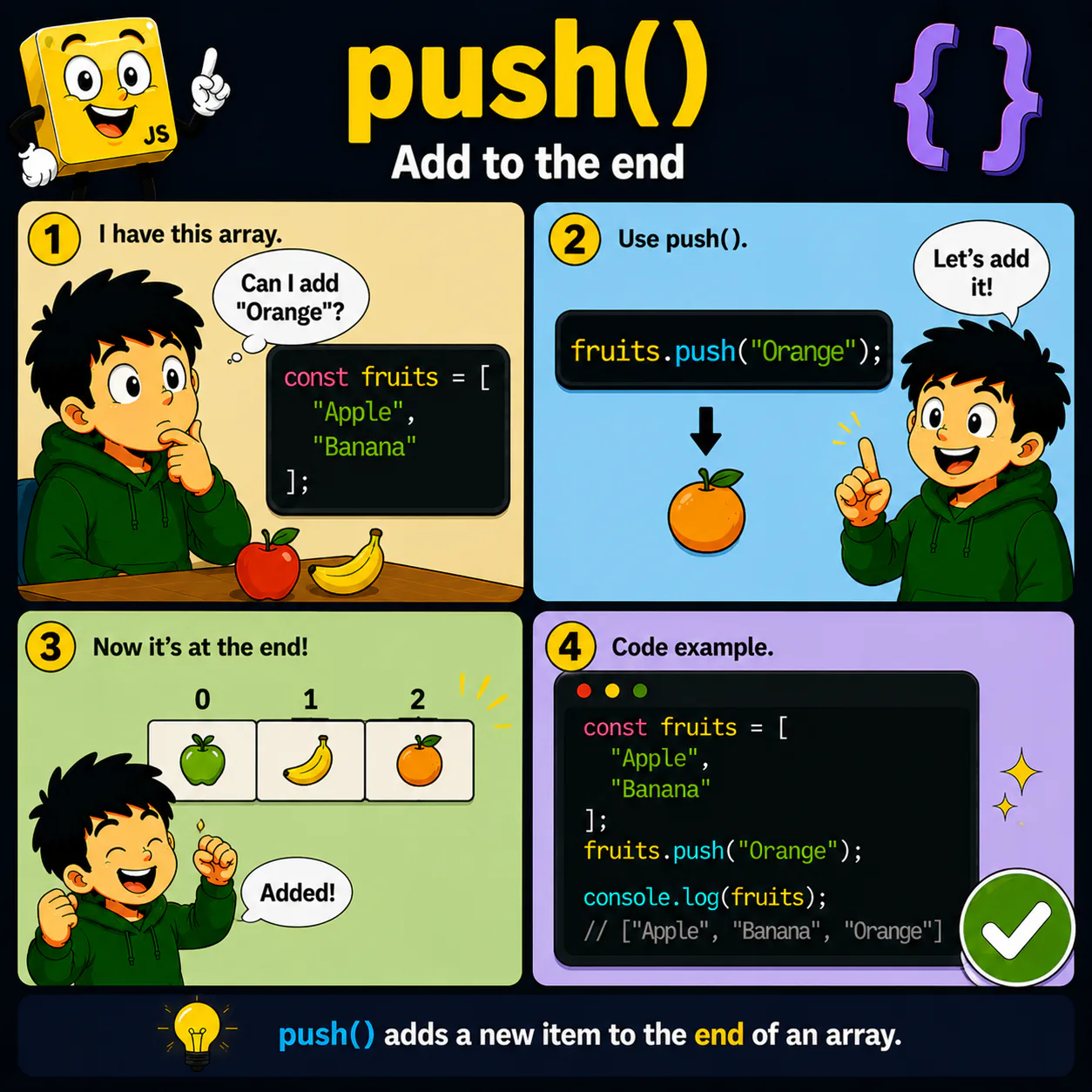
Learn to add new elements to the end of an array using push().
Explanation
- push() adds a new element to the end of an array.
- You can add strings, numbers, and other values.
- The array changes after push() is called.
- The new element becomes the last item in the list.
- push() is one of the most popular array methods.
Analogy
Imagine a line of people. push() adds a new person at the very end of the line.
Code
const fruits = [
  "Apple",
  "Banana"
];

fruits.push("Orange");

console.log(fruits);
Result: ["Apple", "Banana", "Orange"]
Common mistake
Beginners sometimes expect push() to add an element at the beginning. In fact, it always adds the element at the end.
Remember
- ✦ push() adds an element to the end of an array.
- ✦ push() changes the original array.
- ✦ The new element becomes the last one.
Quick Quiz
What is the result of fruits.push("Orange") for ["Apple", "Banana"]?