JS-015
Beginner2 min~2 min read#console#console.log#debugging
console.log()
Show the value
Goal
Learn how to display values in the JavaScript console.
Explanation
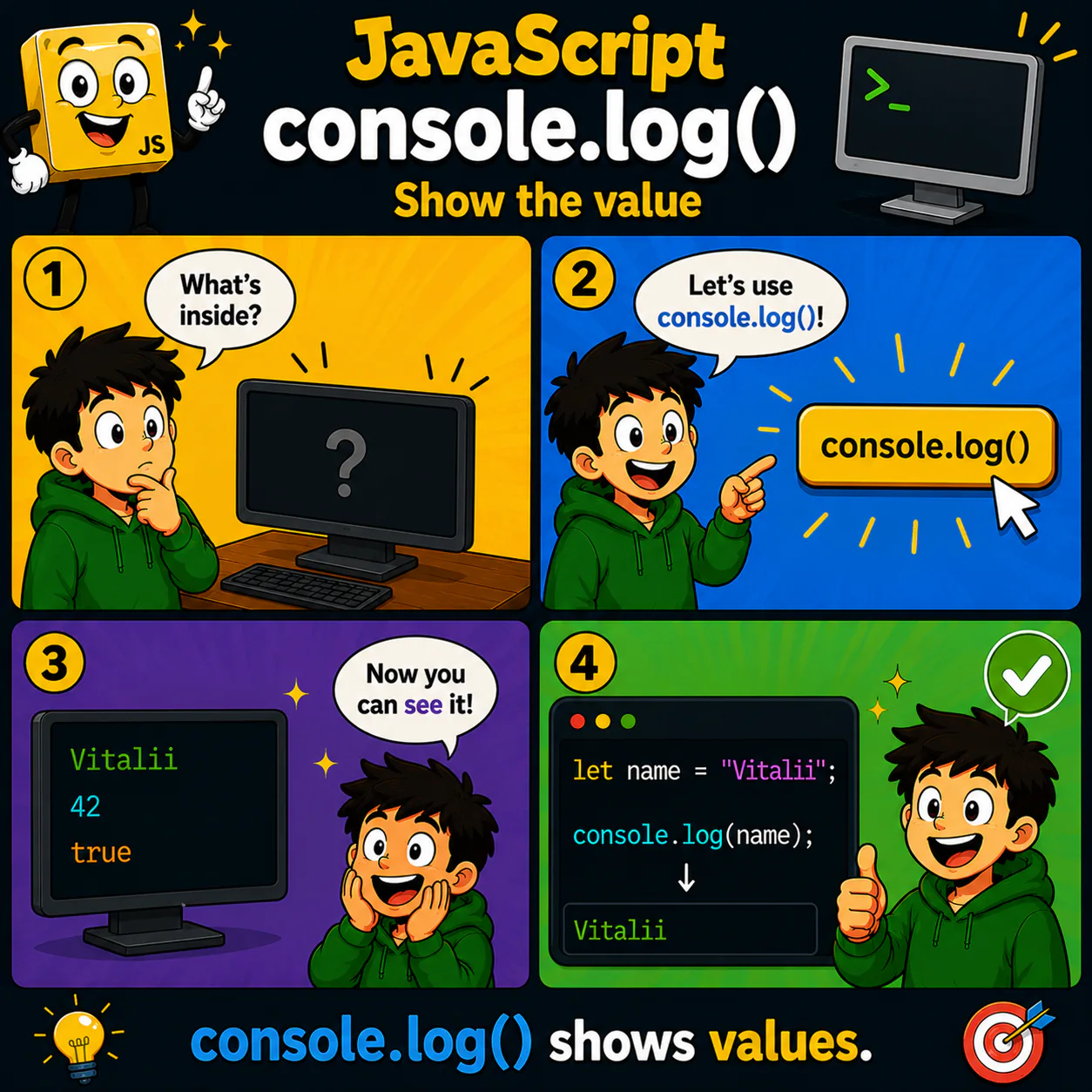
- console.log() prints a value to the console.
- It is one of a programmer's most important tools for checking how a program works.
- With console.log() you can see variable values, calculation results, or messages.
- The console helps find bugs and understand what is happening inside the program.
- While learning, almost every example is worth checking with console.log().
Analogy
console.log() is like a flashlight. It shines a light on what is inside your program.
Code
let name = "Vitalii";

console.log(name);
Result: Vitalii
Common mistake
Some beginners expect console.log() to show information on the website page. In reality, the output goes only to the developer console.
Remember
- ✦ console.log() shows values.
- ✦ The result appears in the console.
- ✦ It is the main tool for checking code.
Quick Quiz
Where does the output of console.log() appear?