JS-005
Beginner2 min~2 min read#string#text#quotes
String
Text inside quotes
Goal
Learn how JavaScript stores text values.
Explanation
- String is the data type for text.
- All words, sentences, messages, and names in JavaScript are stored as Strings.
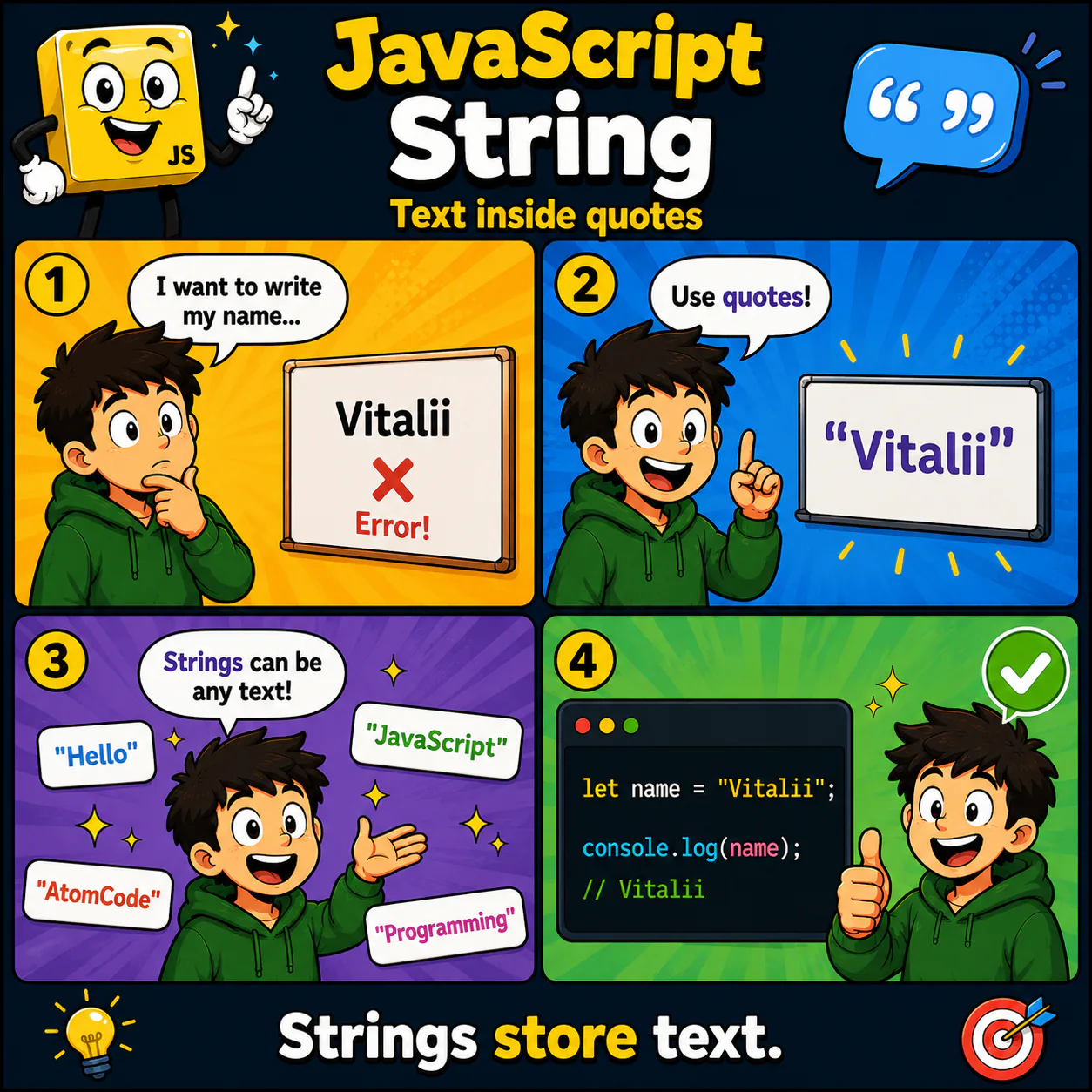
- To tell JavaScript that something is text, you must wrap it in quotes.
- Strings can use double quotes, single quotes, or backticks.
- Without quotes, JavaScript treats the word as a variable name.
Analogy
A String is like writing on a sign. As long as the text is inside quotes, JavaScript knows it is just text.
Code
let name = "Vitalii";

console.log(name);
Result: Vitalii
Common mistake
If you write Vitalii without quotes, JavaScript will look for a variable with that name instead of treating it as text.
Remember
- ✦ String stores text.
- ✦ Text must be wrapped in quotes.
- ✦ "Hello", "AtomCode", and "JavaScript" are strings.
Quick Quiz
Which value has the String type?