JS-012
Beginner2 min~2 min read#variables#assignment#reassignment
Reassignment
Replace the value
Goal
Learn how to replace the value stored in a variable.
Explanation
- Reassignment means replacing an old value with a new one.
- The variable stays the same, but its contents change.
- The = operator is used for this.
- Only variables created with let can be reassigned.
- After reassignment, the old value is no longer stored in that variable.
Analogy
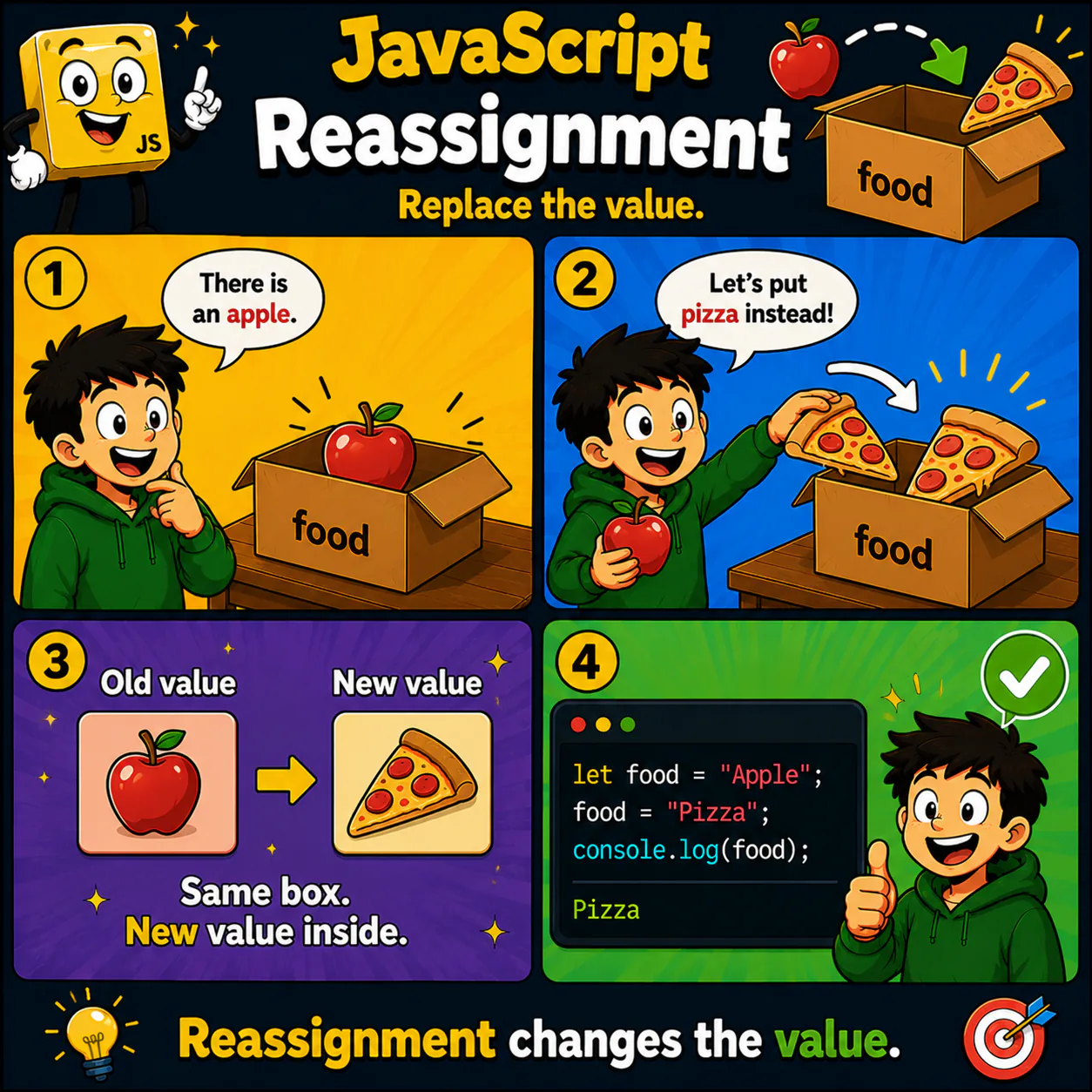
At first there was an apple in the box. You took it out and put in a pizza. The box stayed the same — only its contents changed.
Code
let food = "Apple";

food = "Pizza";

console.log(food);
Result: Pizza
Common mistake
Beginners sometimes think they are creating a new variable. In fact, they are only changing the value of an existing one.
Remember
- ✦ Reassignment changes the value.
- ✦ The variable stays the same.
- ✦ Reassignment works with let.
Quick Quiz
What changes during reassignment?