JS-028
Beginner3 min~3 min read#number#type-conversion#casting
Number()
Converting to a number
Goal
Learn how to convert values to numbers using Number().
Explanation
- Number() converts a value to the number type.
- It is most often used to convert text entered by the user.
- If a string contains a valid number, the conversion succeeds.
- After conversion, you can perform math operations on the value.
- If conversion is not possible, JavaScript returns NaN.
Analogy
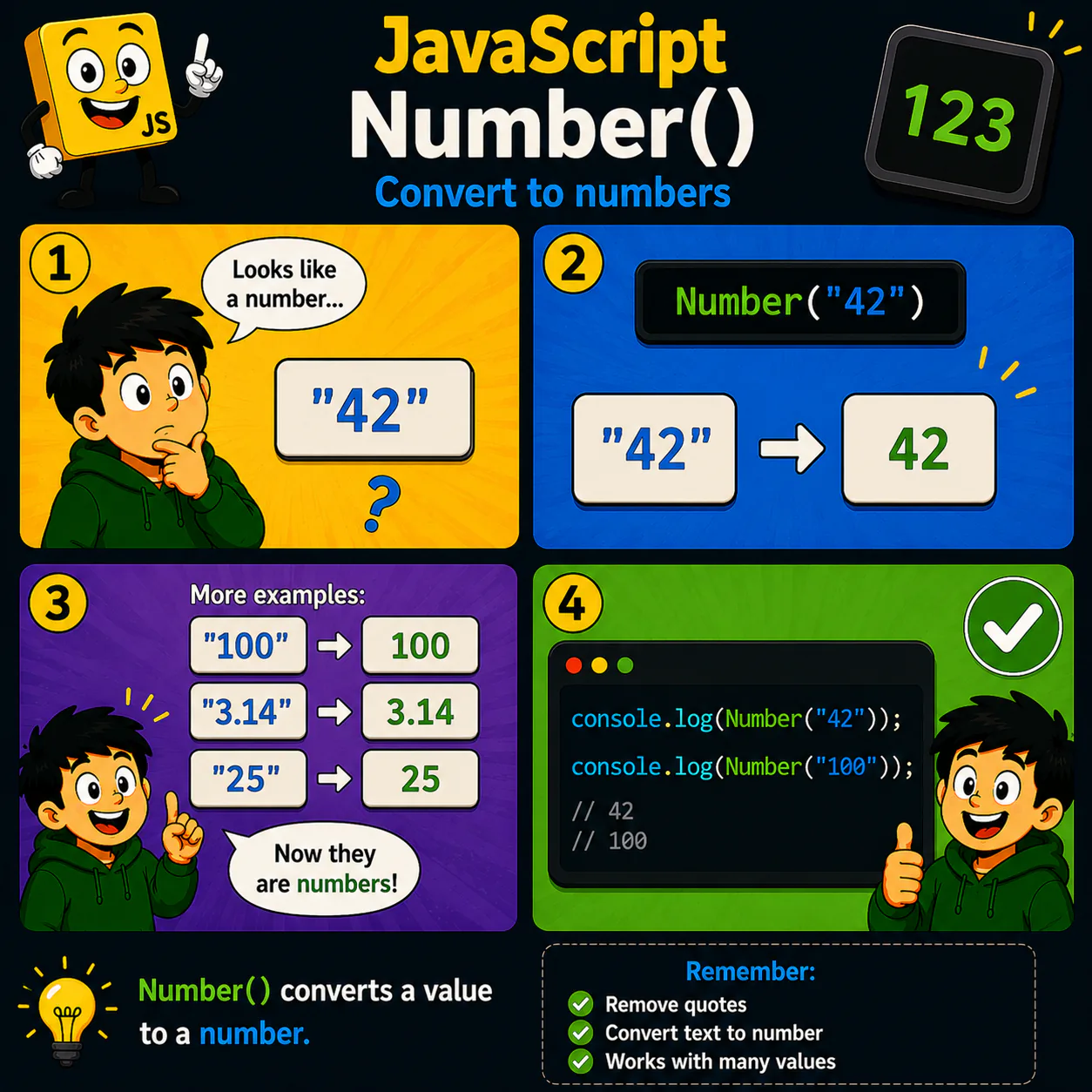
Imagine a card with "42" written on it. Number() reads the text and turns it into the actual number 42.
Code
console.log(Number("42"));
console.log(Number("100"));
Result: 42 100
Common mistake
Beginners often think Number() works with any text. For example, Number("Hello") returns NaN.
Remember
- ✦ Number() creates a number.
- ✦ "42" and 42 are different data types.
- ✦ Invalid values may produce NaN.
Quick Quiz
What does Number("42") return?