JS-029
Beginner3 min~3 min read#string#type-conversion#casting
String()
Converting to text
Goal
Learn how to convert values to text using String().
Explanation
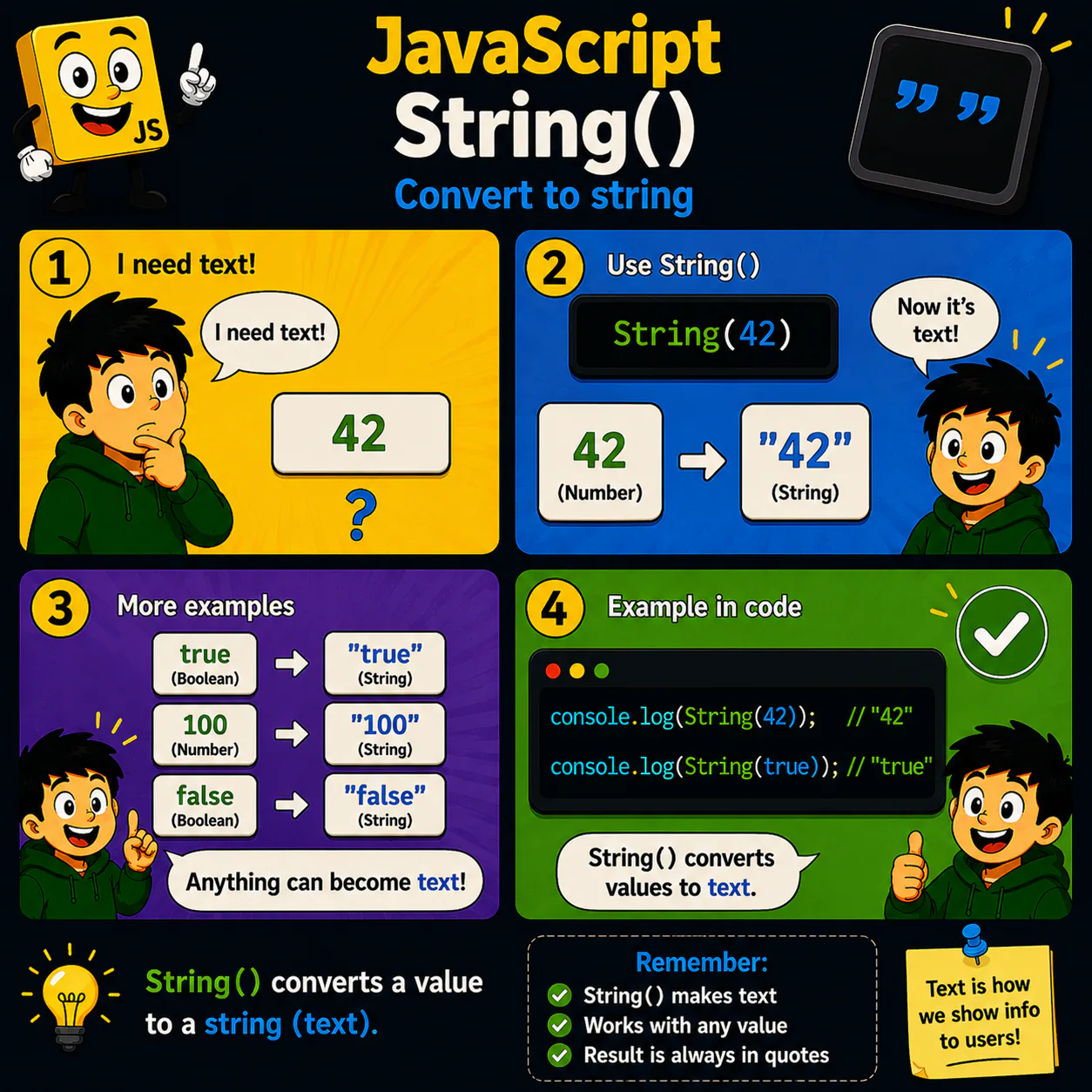
- String() converts any value to a text string.
- Numbers, booleans, and other types can be represented as text.
- After conversion, the value becomes a string.
- String() is often used to build messages and display data to the user.
- It is one of the most common ways to work with text in JavaScript.
Analogy
Imagine a label printer. It can print a text representation of any value.
Code
console.log(String(42));
console.log(String(true));
Result: "42" "true"
Common mistake
After String(42) you get text, not a number. Math operations will behave differently.
Remember
- ✦ String() creates a string.
- ✦ Any value can be shown as text.
- ✦ The result is always a string.
Quick Quiz
What does String(true) return?