JS-027
Beginner4 min~4 min read#type-conversion#number#string
Type Conversion
Converting between data types
Goal
Learn how to convert values between different data types.
Explanation
- JavaScript lets you change a value's type.
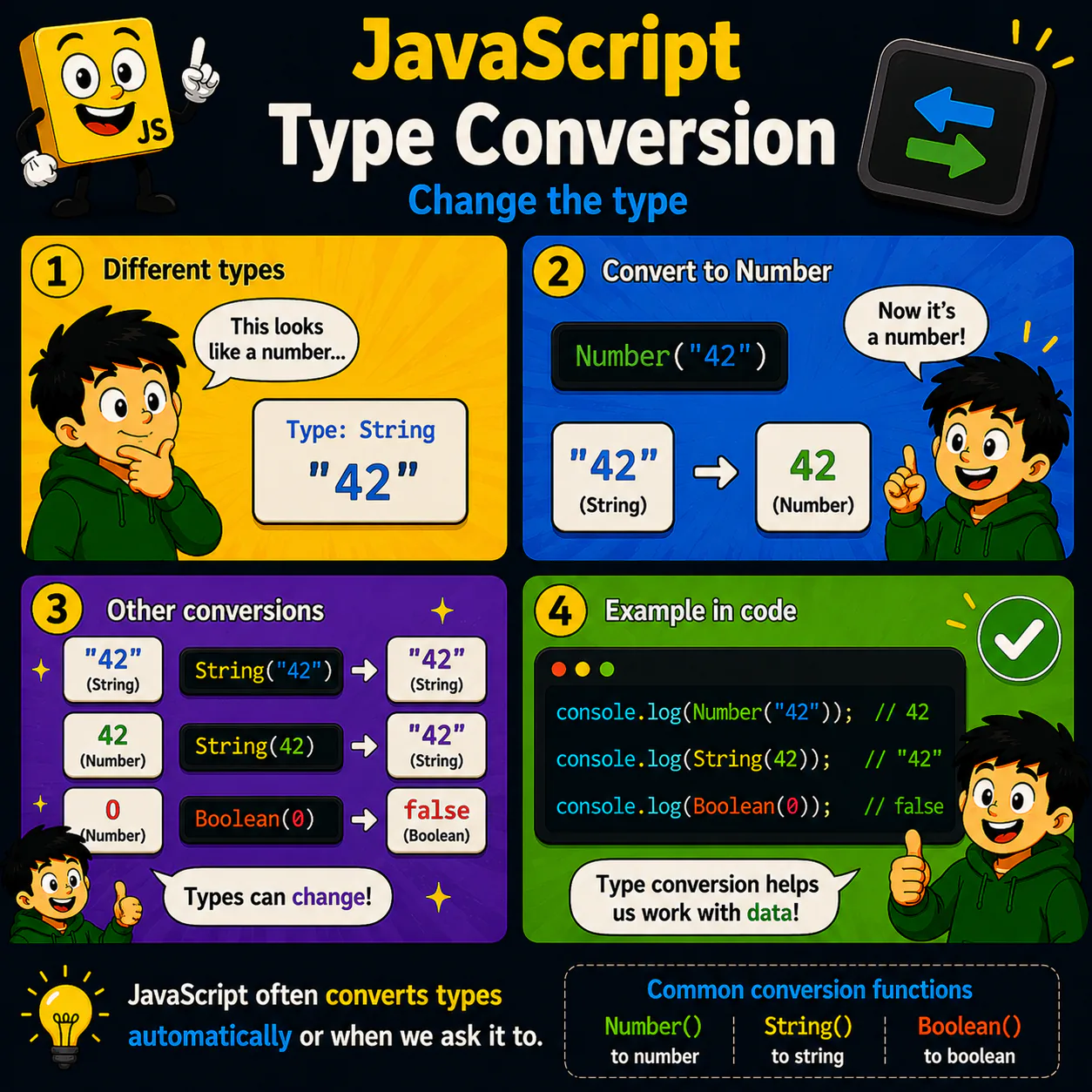
- The functions Number(), String(), and Boolean() are used for this.
- They create a new value of a different type.
- Type conversion is common when working with forms, APIs, and user input.
- Understanding type conversion helps you avoid unexpected program behavior.
Analogy
Imagine water. You can pour it from a glass into a bottle or a cup. The content stays the same, but the container changes. JavaScript can change a value's type the same way.
Code
console.log(Number("42"));
console.log(String(42));
console.log(Boolean(0));
Result: 42 "42" false
Common mistake
Not every string can be converted to a number. For example, Number("Hello") returns NaN.
Remember
- ✦ Number() creates a number.
- ✦ String() creates a string.
- ✦ Boolean() creates a boolean value.
- ✦ A value's type can be changed.
Quick Quiz
Which function converts the string "42" to a number?